Writing and showing: texts, titles, fonts, images, drawings

Writing and showing
Texts

You type, you select, you make it bold, you change the colour, exactly as in a word processor. The toolbar appears just above the text you are editing. Not a single tag to learn.

Font, size, alignment, colour, shadow, precise line spacing: everything is two clicks away. A text can wrap around the outline of a photo. And if your text is long, it will never be shrunk to fit: the page grows instead.

✓ Formatting as in a word processor
✓ Precise line spacing, shadows, columns
✓ Text that wraps around an image
✓ Entrance and hover effects
✓ Several blocks selected and moved together
Titles

The title is what your visitor reads first. A more expressive font, a large size, a shadow to lift it off the background, an entrance when the page opens.

For Google, each page also has its own title and description, which you set in the SEO panel.
Fonts

Choosing a font changes a website's identity. You browse, you see the result, you apply. The title in one font, the text in another: it is even recommended.

The fonts you use are copied into your website: your pages call no outside server. Your website stays independent, nobody tracks your visitors, and the page stays fast. You can also add your own font (.ttf file).

More than 1,200 fonts, nearly 700 families, sorted by style: serif, sans-serif, handwritten, display, decorative.

💡 Two fonts per page is the golden rule of a readable website.
Images

You drag a photo from your desktop, it lands and frames itself. You place it wherever you like, you resize it, you rotate it.

Cropping, border, rounded corners, shadow, filters, and opacity (transparency): by lowering it, you overlay two photos, or a photo and a text. One click, and the photo opens full size on touch. A link, and it becomes a button. A caption under the photo, in each language. And a photo can change with the visitor's language.

✓ Drag and drop, automatic framing
✓ Border, rounding, shadow, filters, rotation
✓ Adjustable opacity, to overlay images
✓ Full-size view on click, or a link to a page
✓ Captions, and different photos per language
Galleries

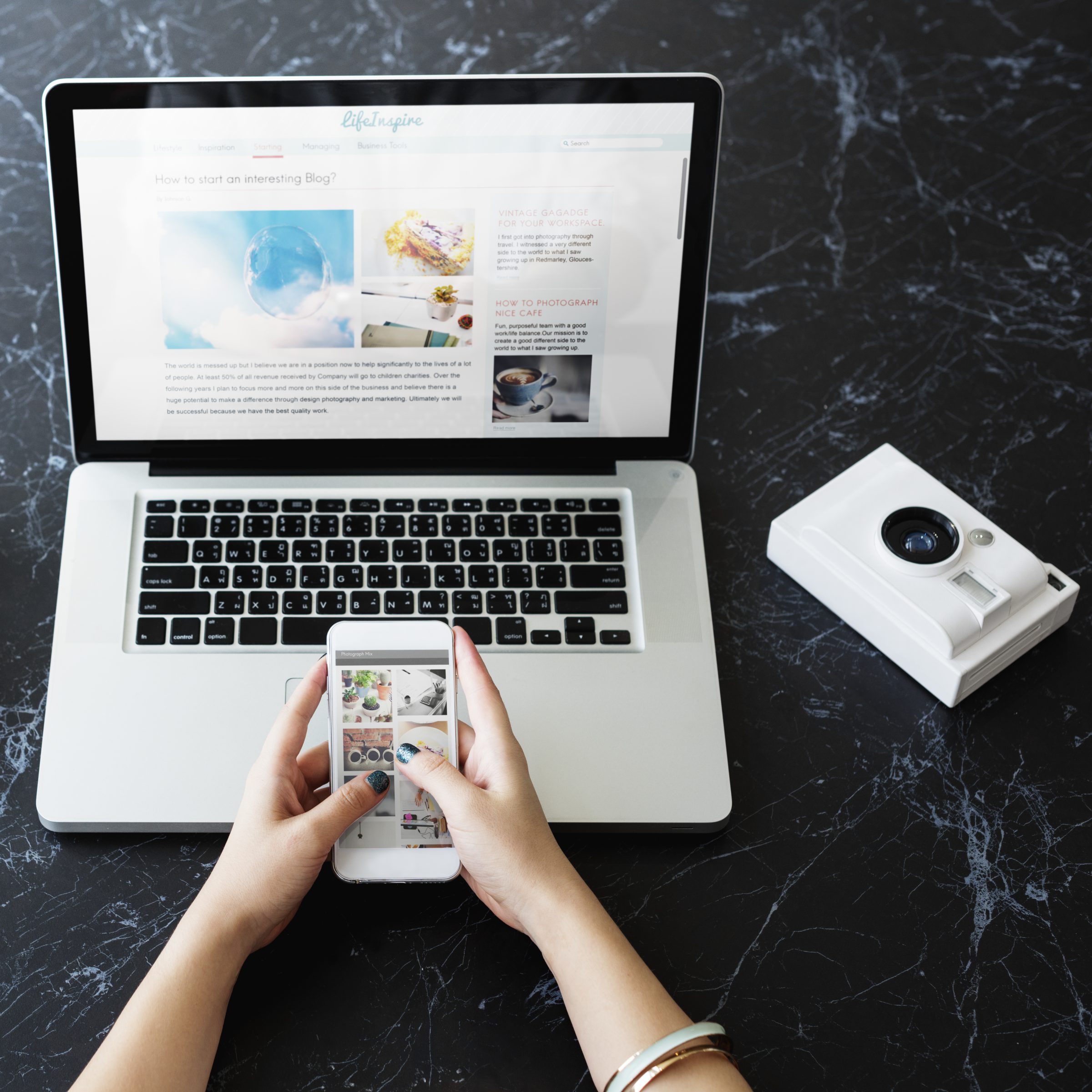
To show many photos, videos or sounds, there are galleries: as a mosaic, as a slideshow, or in TV mode to project them on a big screen. Everything is explained in "More than a website".
Drawings

Shapes that stay sharp at every size: rectangles, circles, triangles, stars, arrows, lines. You change the colour, the outline, the opacity, as in a drawing program. It is very light: a circle weighs a few bytes, not the weight of a photo.

✓ Shapes and lines, sharp at every size
✓ Colour, outline, opacity, shadow
✓ Dividers, badges, decorative frames
WAOU — your Swiss army knife for the web

Messagerie de WAOU

Leave your message and we will get back to you shortly.

🔍 Type your keywords to search the site.